

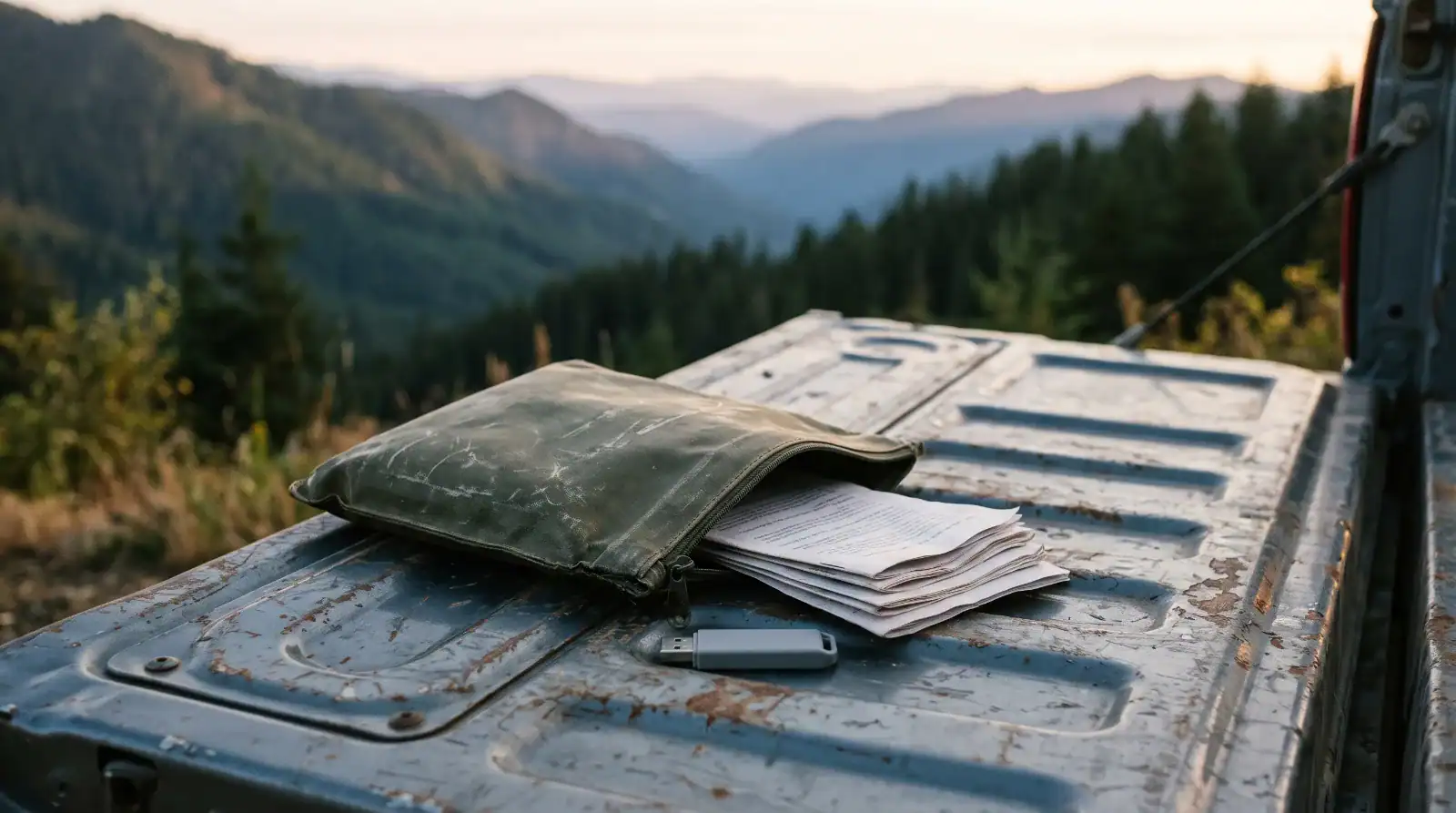

A digital go bag is the half of your preparedness kit that has no weight, takes up no space, and is the part almost nobody packs.
Your house is fine. Nobody is coming over the wire. The scenario is dumber than that.
You are standing in a gas station parking lot two counties over, and your phone is gone. Left on the roof of the truck, maybe, or lifted out of your jacket at the trailhead, or it simply took a swim. Doesn’t matter which. What matters is that the little glass rectangle you just lost is the key to your email, and your email is the key to your bank, your insurance policy, your kid’s school portal, and the account that holds every other password you own.
You know your own phone number. You know your wife’s. That is the entire contents of your memory, and it is not enough to get you back in.
That is the failure this post is about. Not the collapse of society — the Tuesday. And unlike almost everything else in preparedness, fixing it costs nothing but an afternoon.
What Is a Digital Go Bag?
A digital go bag is the set of documents, account access, and recovery instructions you can reach when the device you normally use for all of it is gone, dead, stolen, or sitting in the ashes of your house.
It is not an app. It is not a subscription. It is three things: paper copies of the records that prove who you are, encrypted digital copies stored somewhere the same disaster can’t reach, and a written plan for getting back into your accounts that does not assume you are holding your phone.

Most people already own a physical bug-out bag with a knife, a headlamp, and a water filter. The urban survival kit is a solved problem. The documents that let you file an insurance claim, prove ownership of your truck, or reset a password are the part that gets skipped — because they aren’t gear, and gear is more fun to buy.
Reasons You Need to Know This
The scenarios that separate you from your phone are not exotic. They’re the ordinary ones.
- Loss and theft. The most common failure by a mile, and the one nobody plans for.
- Evacuation with no notice. Wildfire, flood, gas leak. You get minutes, and you spend them on people and pets — not on digging through a filing cabinet.
- Fire. The single event that destroys your originals and your local backups at the same time, because they were in the same building.
- A SIM swap or account takeover. Someone else takes your phone number, and now the “recover my account” text goes to them.
- Insurance claims. Every claim asks for documentation you had, past tense.
- You are unavailable and someone else has to act. Hospital, deployment, or worse. Somebody needs to pay the mortgage and they cannot find the login.
None of that requires the grid to go down. It requires an ordinary bad day.
The method below is ordered on purpose. The first step is free and stops the most damage. The last step is the only one that tells you whether the other five actually worked.
Step-by-Step Instructions to Build a Digital Go Bag
Six steps. Most people can do steps one through five in an afternoon and step six over coffee the following weekend.
- Lock the front door — carrier port-out PIN, and 2FA off SMS
- Inventory — what genuinely has to exist off your phone
- Make three copies — two kinds of media, one of them off-site
- Name a human — someone who can let you back in
- Write the card — one page, on paper, in the bag
- Run the drill — because untested is unknown
Here is the whole sequence at a glance, and then we’ll go through each one.
Step 1: Lock the Carrier Account Before You Touch Anything Else
Your phone number is not a phone number. It is a master key, because it is the recovery path for nearly every account you own. Someone who convinces your carrier to move that number onto their SIM inherits your password resets — all of them.
The FCC has required wireless carriers to use stronger authentication before SIM swaps and port-outs since rules that took effect in July 2024, and every major U.S. carrier now offers some form of account lock. That’s a floor, not a ceiling. Turn it on yourself:
- Set a port-out PIN or number lock with your carrier. Ten minutes in the app or on the phone. Costs nothing.
- Move two-factor authentication off SMS for your email, bank, brokerage, and password manager. An authenticator app or a passkey is better than a text message in every case that matters.
- On an iPhone, turn on Stolen Device Protection. When your phone is away from familiar places, sensitive changes require Face ID or Touch ID plus an hour-long security delay and a second biometric check. A thief who watched you type your passcode still can’t change your Apple account password before you’ve marked the device lost.
Do this step first. If you do nothing else on this list, do this one — it is the only step here that reduces the size of the disaster rather than helping you recover from it.
Step 2: Inventory What Has to Exist Off Your Phone
Now the boring part, which is also the part that carries the whole post.
You do not have to invent this list. FEMA and Operation HOPE publish the Emergency Financial First Aid Kit — publication P-2063, free, and the checklists-and-forms version is the one to print. It walks through household identification, financial and legal documents, account information, medical records, and household contacts, with a checkbox next to each item and a date column so you can see when you last updated it.
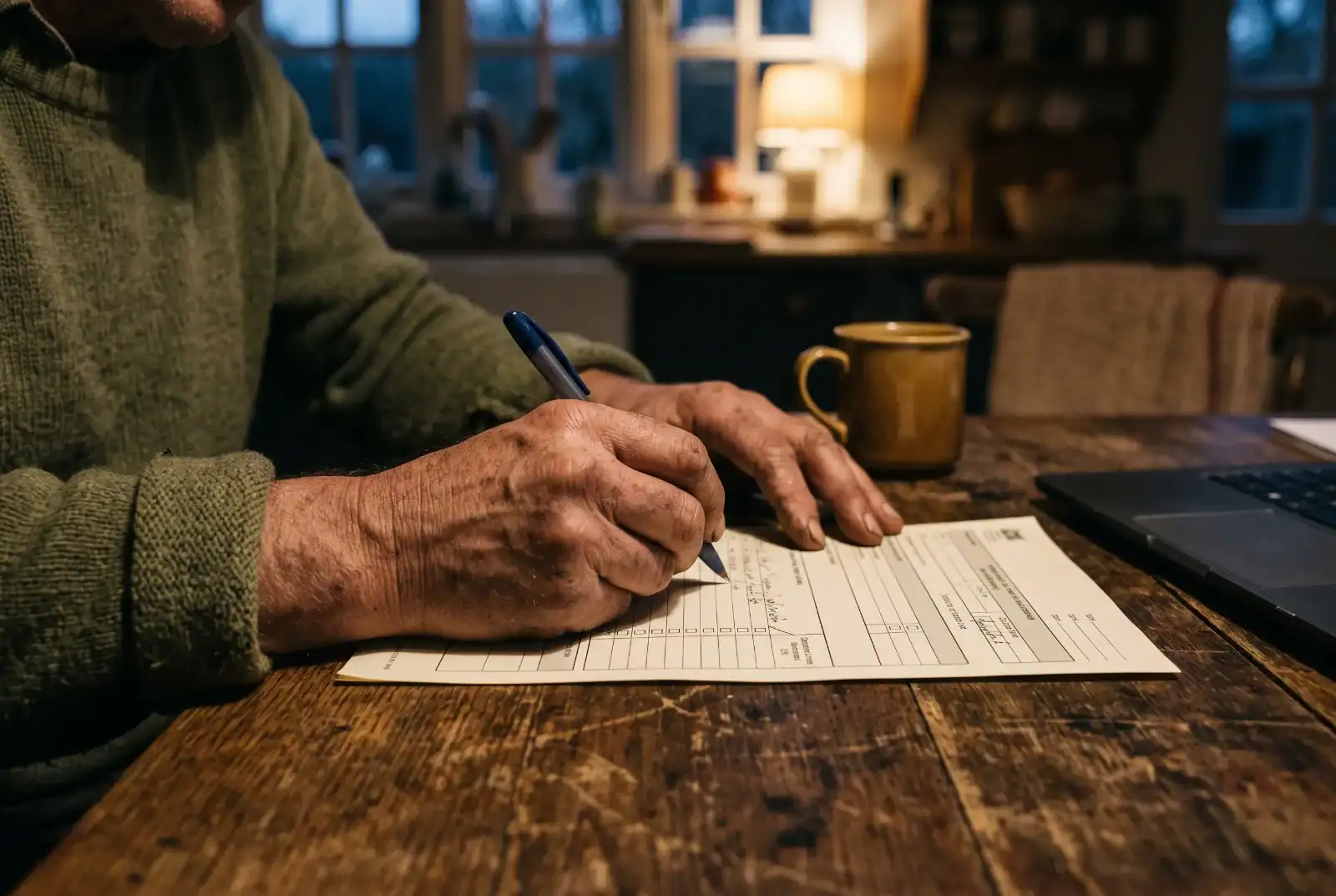
It is a government form and it reads like one. It is also the single most useful free preparedness document nobody has heard of, and using it saves you three hours of trying to remember what a title company is going to ask for.
Work through it and pull the records it names: birth and marriage certificates, deeds and titles, insurance declarations pages, immunization and prescription records, wills and powers of attorney, and account numbers with the phone numbers to call about them.
Two additions the EFFAK doesn’t push hard enough on:
- Photograph every room in your house. Open the closets and drawers. Get the serial numbers on anything expensive. This takes fifteen minutes and turns an insurance claim from an argument into a list.
- Photograph the contents of your wallet, front and back of every card. Not for the numbers — for the customer service lines you’ll need when they’re all gone at once.
Step 3: Make Three Copies and Put One Somewhere Else
The old backup convention is three copies, on two kinds of media, with one stored off-site. It survived this long because it maps cleanly onto the ways things actually go wrong.
The distinction that matters most: anything that leaves your house gets encrypted first. Inside a fire box, a plain unencrypted folder is fine, because the box is the control. On a thumb drive in your pack, or in a cloud folder, that same file is one lost bag or one breached account away from handing a stranger everything they need to open credit in your name.
Encrypt the copies that travel. Leave the ones that stay put alone. That’s the whole rule.

While you’re in there: place a credit freeze at all three bureaus. Federal law has made freezes and unfreezes free for everyone since September 2018, and a freeze does more to prevent new fraudulent accounts than any paid monitoring product you will ever be sold. Which brings us to the thing I’ll say plainly later on.
Step 4: Name a Human Who Can Let You Back In
Every mechanism in this section exists because the companies know you will eventually get locked out or die, and they’d rather not deal with it either. They are not equivalent, and most people pick the wrong one because they don’t read what it actually does.
A few things worth knowing before you choose:
- An Apple account recovery contact is the useful one for ordinary lockouts. You can name up to five. They never get access to your account — they can only generate a code and read it to you over the phone. Their device needs iOS 15 or later. And Apple deliberately does not know who they are, which means if you forget, nobody can remind you. Write it down.
- An Apple legacy contact is for after you’re gone, and it needs both the access key you generated and a death certificate. Note what it cannot reach: iCloud Keychain. Your passwords and passkeys do not pass to anyone, ever. If your whole life is in Keychain, your family inherits a locked box.
- Google’s Inactive Account Manager lets you name up to ten people who get a one-time data download after your account sits idle for three to eighteen months. They never get to log in. It sees nothing outside Google, and it isn’t available on Workspace accounts. Also worth knowing: an Android phone syncing quietly in a drawer counts as activity.
- Password manager emergency access has the widest reach by far, because the vault holds everything — bank, insurer, utilities. Bitwarden’s version is typical: your trusted contact needs their own account on the same service, and the feature usually sits behind a paid tier.
Pick at least one. Two is better, and they should cover different failure modes — one that works while you’re alive, one that works when you aren’t.
Step 5: Write the One-Page Card
This is the piece that goes in the physical bag, and it is paper on purpose.
One page. Laminated if you’re feeling fancy. On it:
- The order to call things in, top to bottom, when everything is gone at once
- Carrier fraud line, bank fraud line, insurance claims line — actual phone numbers, not app names
- Policy numbers and account numbers, partial where partial will do
- Who your recovery contacts are, since Apple won’t remind you
- Your property’s coordinates, written in a format a dispatcher or an adjuster can actually use — this is worth reading MGRS vs lat/long about, because the compact format that’s easy to read aloud under stress is not the one your phone shows you by default
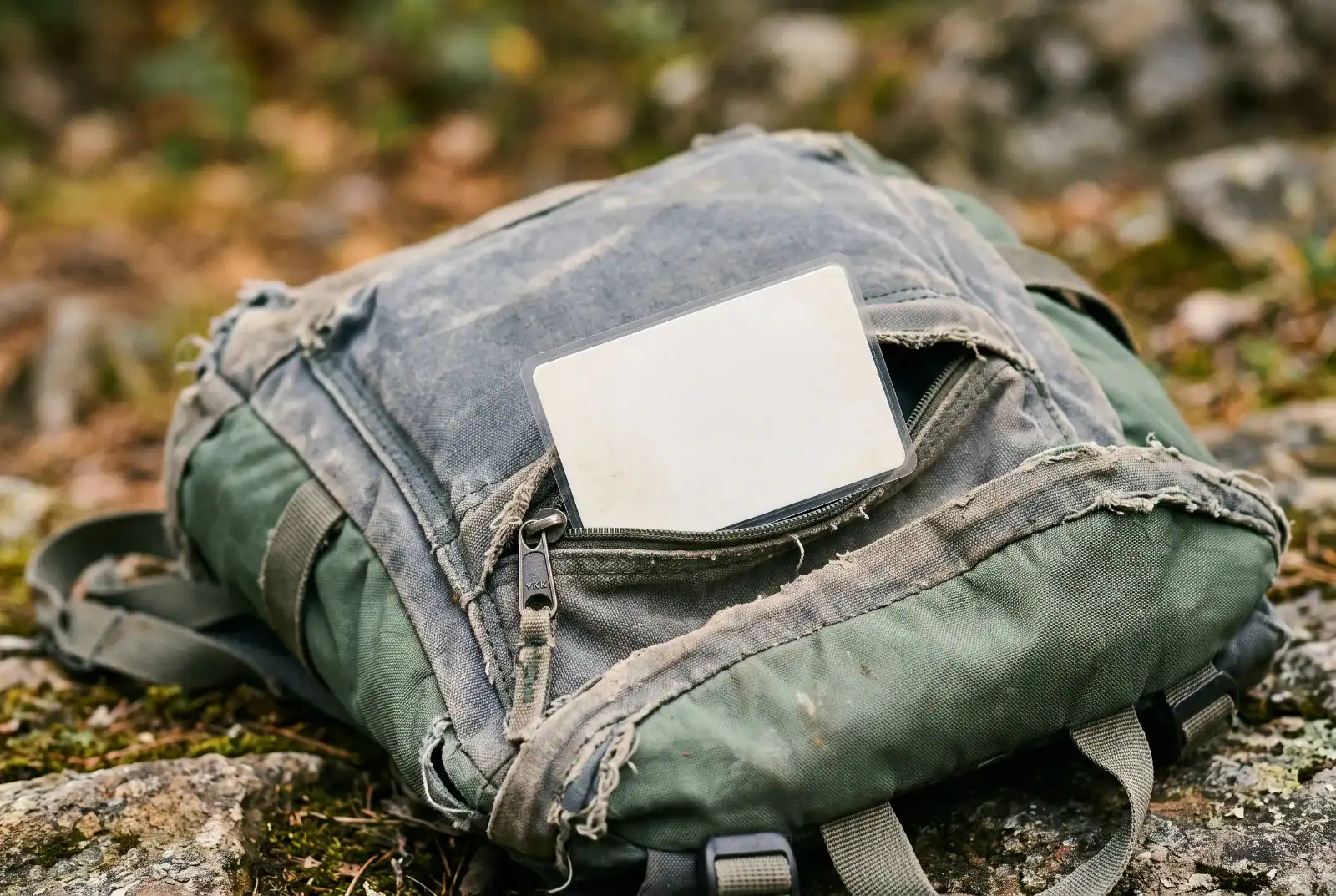
And now the part people get wrong: no passwords on this card. No PINs, no recovery codes, no full Social Security numbers. Assume the card will be read by someone who is not you, because a card in a bag you lost is exactly that. The card’s job is to tell you who to call and in what order, not to be a skeleton key.
If a card falling into the wrong hands would be a disaster, you wrote the wrong card.
Step 6: Run the Drill
Everything above is a guess until you test it.
Here is the drill, and it takes about twenty minutes:
- Power your phone all the way off and put it in another room.
- Sit down at a computer that is not yours — a spouse’s laptop, a library machine, whatever.
- Get into your primary email account.

That’s it. That’s the whole test. Most people fail it the first time, and they fail it in the same place: the recovery code goes to the phone that is currently powered off in the other room, and there is no second path.
That failure is the entire point of the exercise. Finding it now costs you an annoying Saturday. Finding it in the gas station parking lot costs considerably more. The same logic applies to everything else in your kit — a compass you’ve never taken a bearing with is decoration, not equipment.
Key Considerations For Keeping a Digital Go Bag Current
A digital go bag rots faster than any other prep you own. Freeze-dried food has a twenty-five year shelf life. Your account list has about eleven months.
Put it on a calendar. Once a year, same week every year — pick something you’ll remember, like the week you change the smoke detector batteries. Re-check the EFFAK list, replace expired documents, and confirm your recovery contacts still have working devices and still like you.
Update it when life changes, not when the calendar says so. New job, new bank, new house, new phone, a death in the family, a divorce. Any of those invalidates part of the plan the day it happens.
Watch for the silent failures. A recovery contact who switched from iPhone to Android has quietly stopped being a recovery contact. A password you changed six months ago has quietly invalidated the sealed envelope in your mother’s safe. Nothing tells you when these break.
Also worth saying: this is preparedness work, and preparedness work done under stress is preparedness work done badly. The reason we’re building this on a calm Saturday is the same reason we practice anything — the plan you can execute badly under pressure beats the plan you have to invent from scratch while your hands shake.
Taking It to the Next Level: When Comms Go Too
Everything above assumes you have some connection to the outside world — a borrowed laptop, somebody else’s phone, a working landline. When the towers are down or saturated, which is the normal state of affairs in the first hours after a regional event, that assumption fails too.
That’s a different problem with a different toolkit. If you want to go further, setting up a Meshtastic node is the cheap entry point, and the honest comparison of Meshtastic vs MeshCore will save you from buying the wrong hardware for what you actually need.
Worth being clear about the ceiling, though: mesh radio moves short text messages between people who both have nodes. It does not get you into your bank. Nothing gets you into your bank except the recovery path you set up in step four.
Alternatives to Building It Yourself
Three honest options, and one of them is better than this post for some people.
A safe deposit box. Genuinely good for originals — deeds, wills, certificates. Genuinely bad for anything you might need at 2 a.m. or on a Sunday, and access after a death is slower than people expect. Use it alongside the go bag, not instead of it.
An estate attorney. If your situation involves a business, property in more than one state, or a blended family, the DIY version is not sufficient and I’m not going to pretend otherwise. Pay someone. The go bag then becomes the operational layer under whatever they build.
A paid identity theft protection service. Here’s where I’ll push back on the whole industry. What these services mostly sell is monitoring — telling you after your information has already been misused. The prevention layer, the credit freeze, is free by federal law and you can do it yourself in about twenty minutes across three websites. The restoration help and the insurance are worth something to some people, and the reimbursement policies are worth reading closely before you assume they cover what you think. But if you are paying monthly for the peace of mind and have never actually placed a freeze, you have bought the packaging and left the product on the shelf.
Frequently Asked Questions
What exactly goes in a digital go bag?
Paper copies of identity, property, insurance and medical records; an encrypted digital copy of the same set; a one-page recovery card with phone numbers and account numbers but no passwords; and at least one named human who can help you back into your accounts.
Is it safe to keep documents on a USB drive in my bag?
Only if the drive is encrypted. An unencrypted drive with your birth certificate, insurance policy and account numbers on it is a complete identity theft kit sitting in a bag you might lose. Encrypt anything that leaves the house.
Should I store copies in the cloud?
Yes, as your off-site copy — but encrypt the files yourself before uploading rather than relying on the storage provider’s account security. That way a breach of the cloud account doesn’t become a breach of your documents.
What’s the difference between a recovery contact and a legacy contact?
A recovery contact helps you get back in while you’re alive, in minutes, by reading you a code. A legacy contact only functions after your death and requires a death certificate. They solve different problems and you probably want both.
Do I still need paper if everything is backed up digitally?
Yes. Paper is the only copy that works when you have no device, no power, and no signal, which is precisely the situation the bag exists for. It’s the same reason a paper map still belongs beside your GPS.
How often should I update it?
Once a year as a floor, plus immediately after any major life change — new job, new house, new bank, new phone, a marriage, a death. Recovery contacts break silently when someone changes devices, so check those specifically.
Wrapping Up: My Experience With the Digital Go Bag
I spent years in tech support and mobile device management — managing fleets of phones and laptops for organizations, handling the offboarding, the recovery, the “this person is gone and we need into their account” problem. Everything above is the household version of a process I ran professionally, scaled down to one family.
The thing that job teaches you is that the failure is almost never dramatic. It is somebody’s phone in a lake and a recovery path that pointed at that same phone. The organizations that recovered fast weren’t the ones with better technology. They were the ones that had written down who to call, in what order, before they needed to know.
Your household has none of that unless you build it, and the whole thing fits in an afternoon.
So here is the assignment. This weekend, before anything else: set the port-out PIN on your carrier account. Ten minutes, no cost. Then power your phone off, walk to another room, and try to get into your own email from a computer you don’t own.
Whatever happens next is your real starting point.
If you want the physical side squared away too, the free 30-Day Preparedness Plan walks the rest of the kit one day at a time — and day one is short enough to do tonight.
Adventure Wiser tests gear in the field before it goes on the site. If it doesn’t hold up on the trail, it doesn’t make the cut.